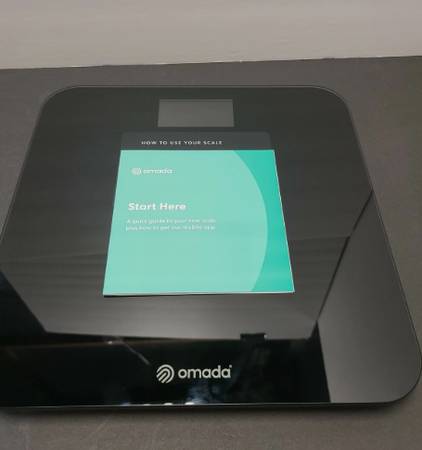
The Omada 4G LTE-M Scale 0023 is a cellular-enabled smart scale often provided by health programs (such as Omada Health) to help users track their weight. It relies on built-in 4G technology rather than Wi-Fi or a smartphone app to send weight measurements directly to a health coach or care team.Key FeaturesNo Setup Required: The scale connects automatically through 4G/LTE-M cellular networks. No home internet, Wi-Fi router, or Bluetooth pairing is required.Automatic Upload: Weight measurements are sent directly to your provider’s system, typically within 5 minutes of stepping onto the scale.Capacity: Supports up to 441 lbs.How to Use ItInitial Wake Up: Place the scale on a hard, flat surface (avoid thick carpet or tile grout). Wake it up by pressing the center of the scale with one foot and removing it.Weigh In: Wait for "0.0" to appear on the digital display. Step on barefooted with both feet, making sure to stand still.Transmission: Remain on the scale until your weight blinks and the scale beeps. The word "Sent" will flash on the display, confirming your data has been transmitted.For more details on troubleshooting or general use, you can read the full Omada Scale Quick Start Guide.