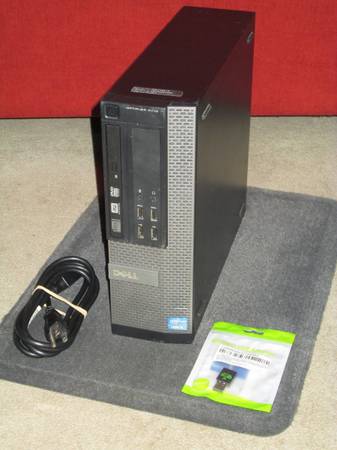
Hello again! Joe here—your friendly, experienced, Microsoft Certified, volunteer, computer tech. When I freshly install Microsoft Windows on any PC, I purposely set it up to be secure, responsive, private, and user-friendly.
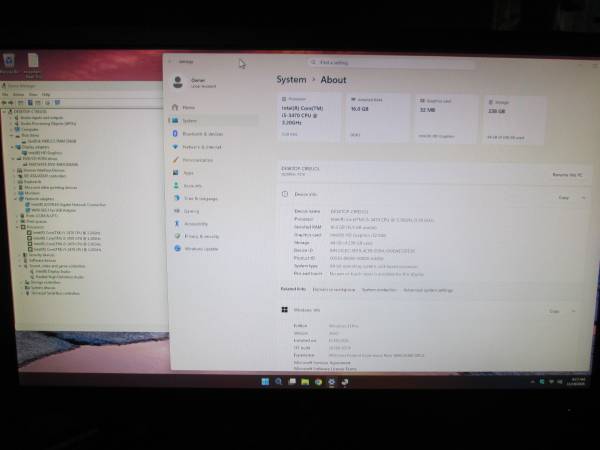
This time I have an experimental system with an Intel "3rd generation," quad-core, i5-3470 processor (CPU). It has 16 gigabytes (GB) of memory and a 256GB solid-state drive (SanDisk X400 SSD).
It's "experimental" because I've installed Windows 11 Pro, which prefers newer hardware than this system has, but it is working well. I've also installed a few other choice utilities. If you need Microsoft Office, ask me about it. The case has scratches.
The system requires a monitor or TV with a DisplayPort (DP) or older VGA (blue) connection, though I do sell HDMI adapters. Also, you'll need a mouse, a keyboard, and most importantly, a SURGE PROTECTOR (not just a power strip). It connects to the Internet through a network cable or basic Wi-Fi. I will include the power cord. As always, I am happy to field any questions!
Please, serious inquiries only. Price is firm unless you are a young person. Whiteville is approximately an hour from Wilmington, Myrtle Beach, and Fayetteville.